

Pages and your shop
Build the pages buyers land on, publish your homepage and make the shop look like yours.
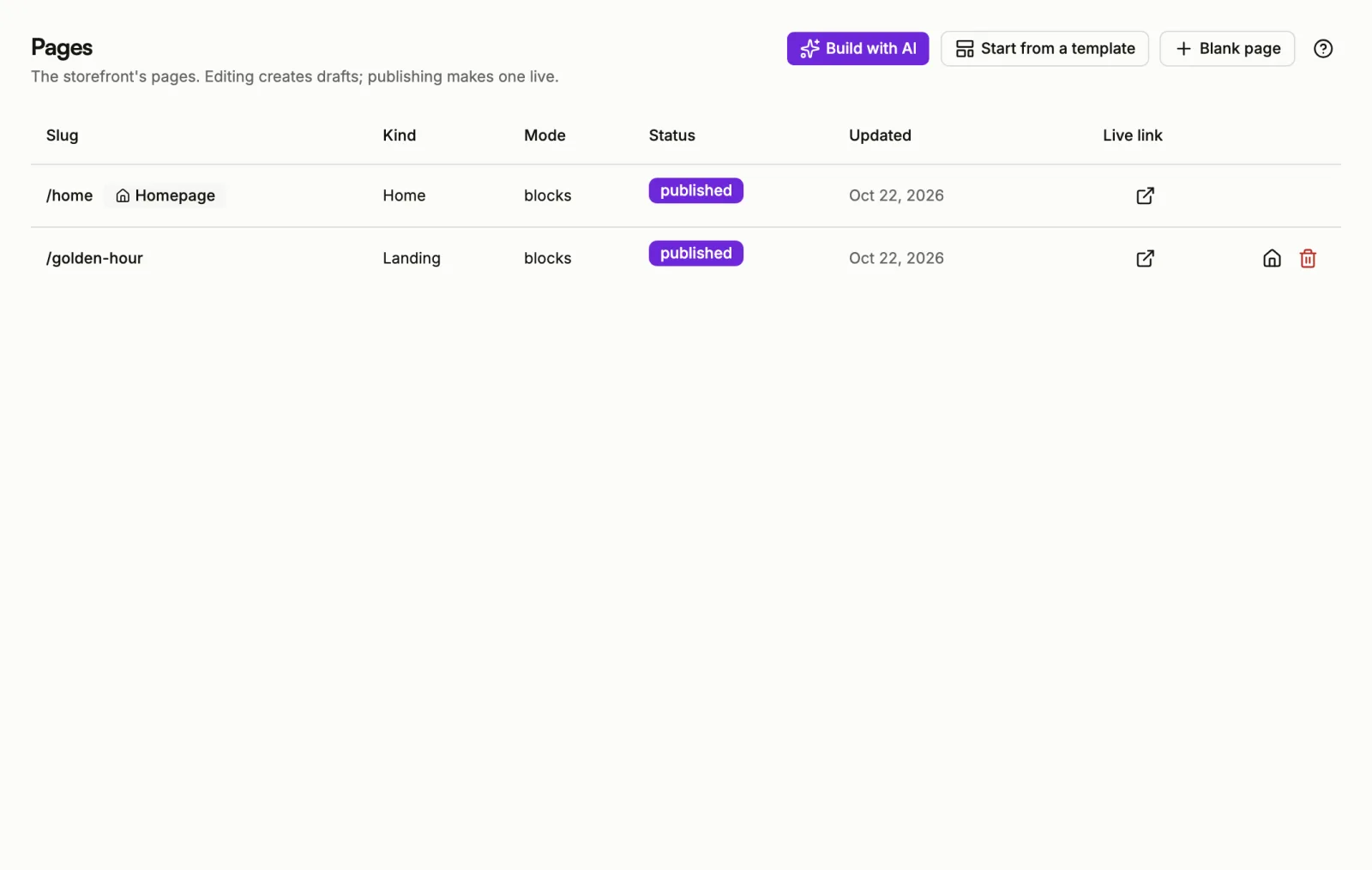
Your shop is a set of pages. A page is what a buyer lands on: your homepage, a sales page for one product, a link-in-bio page, a thank-you note. You build them in the console under Pages, and nothing a buyer sees changes until you publish.
Every store starts with one page, /home, set as its homepage. It starts as
an unpublished draft, so your shop is not live until you publish it.
Live or not live
The Store heading in the console sidebar carries a badge:
- Live means your homepage is published and buyers who open your store's address see it.
- Not live means buyers who open your store's address get Page not found. Product pages still open. Select the badge to go to Pages and fix it.
Publish your shop walks through it.
Drafts and publishing
Every change you make in the builder is saved as a draft as you go. The live page stays exactly as it was until you choose Publish. Every earlier version stays in the page's history, so you can look back or restore one.
Two ways to build a page
- Blocks: build it visually from ready-made sections such as a hero, a pricing table, an FAQ or a checkout form.
- HTML: write your own markup, CSS and JavaScript.
In this section
Create a page
Start from AI, a template or a blank page.
The page builder
Add blocks, edit them and preview the page.
AI assistant
Have a draft written for you, then ask for changes.
Publish your shop
Publish pages and choose your homepage.
Theme and colours
Fonts, colours and corners for the whole shop.
Store settings
Name, logo, language, currency and payment methods.
Add a custom domain
Serve your shop from a domain you own.