

Order details
What one order shows you, from the items and payment to what the buyer received.
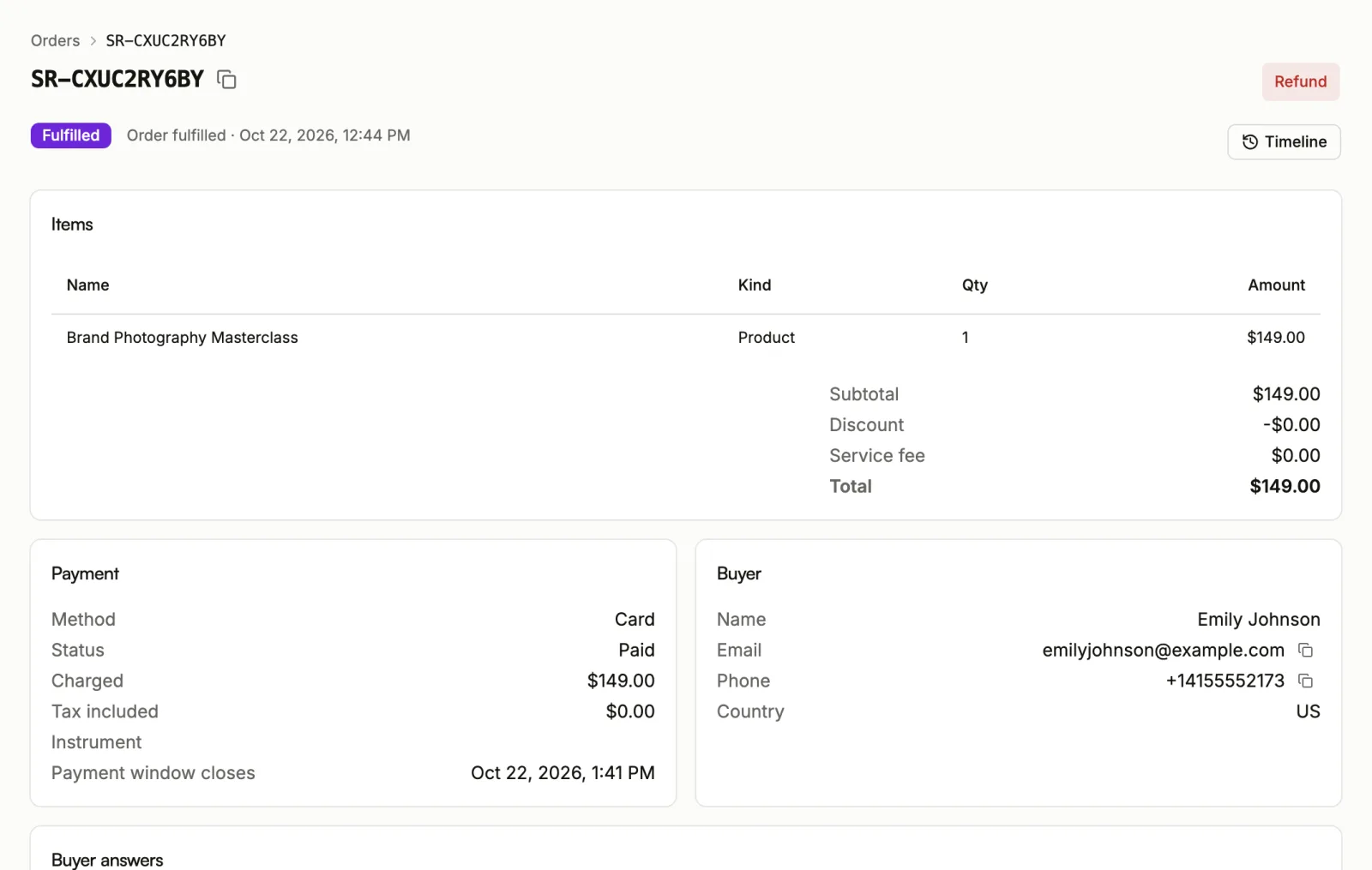
Open an order from Orders to see everything about it on one page. At the top are the order number, which you can copy, its status, and a short summary of what happened last. Some statuses carry a line that explains them.
Timeline
Timeline lists what happened to the order, oldest first: when it was created, paid, delivered, cancelled, expired or refunded, and each payment event. Each entry has a reference you can copy if you need to ask support about it.
Items
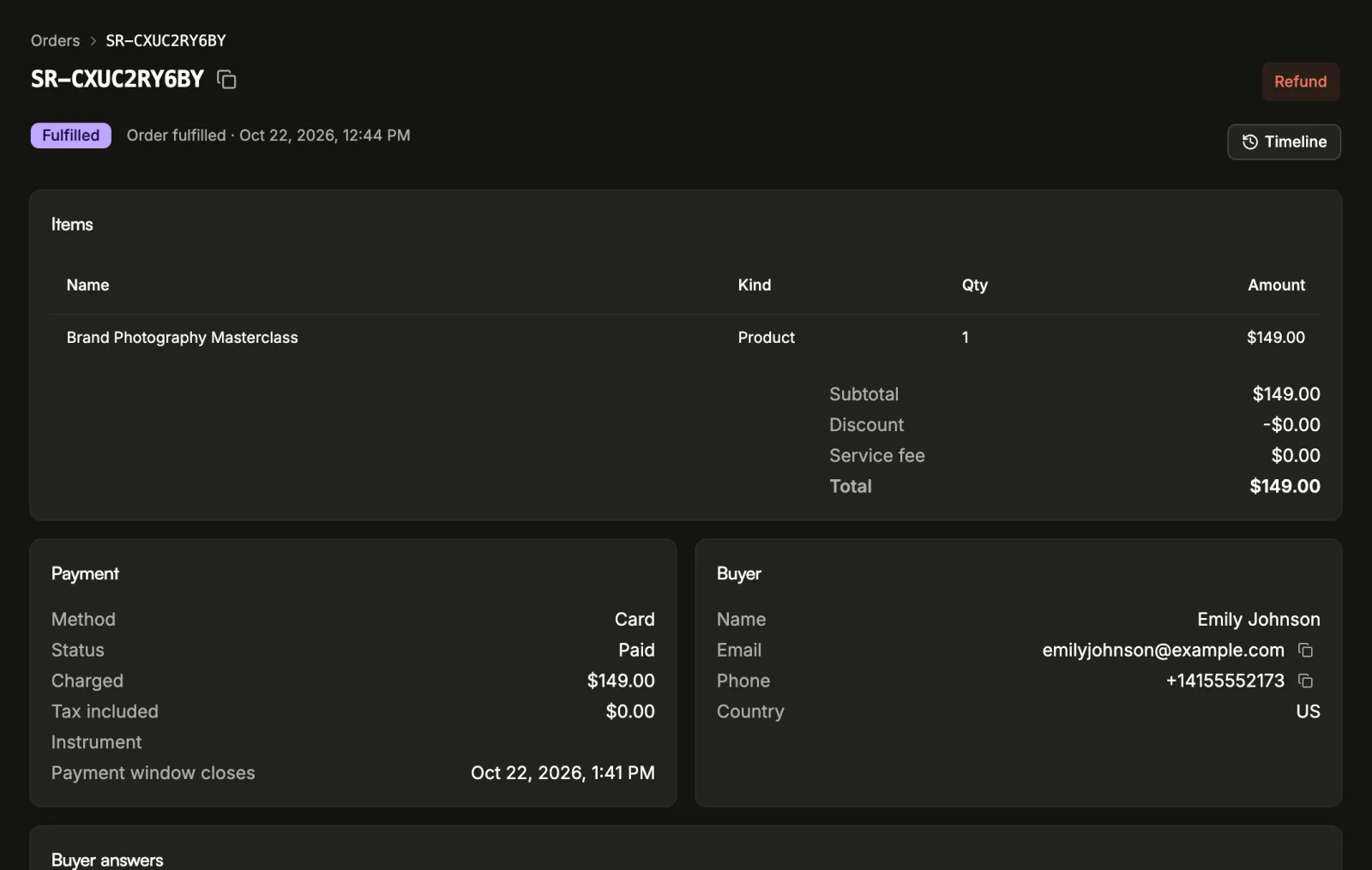
Items lists what was bought: the Name, the Kind, the quantity and the Amount. An item added from an order bump shows the kind Order bump. Below the items are the Subtotal, any Discount, the Service fee if the buyer paid one, and the Total.
An order bought from a post-payment offer links back to the order it followed, and that order links forward to the offer order.
Payment
Payment shows the Method, its Status, the Payment reference, what was Charged, any Tax included, and the amount that went To your balance. If the buyer paid in a different currency from the one you are paid in, Settled shows the sale in your currency. For a virtual account it also shows the Bank and Account number. While the order is unpaid, Payment window closes shows when the buyer's time to pay runs out.
If a payment attempt was refused but the order is still open, a note says so: the buyer can still pay until the window closes.
Needs attention
An order marked Needs attention has a payment that settled but could not be applied to it. Nothing else happens automatically. Send Sorai support the order number, and Sorai matches the payment to the order for you.
Buyer
Buyer shows the buyer's Name, Email, Phone and Country, with copy buttons for the email and phone.
Buyer answers shows what the buyer filled in for your own checkout questions. See Set up checkout.
What the buyer received
- Delivered lists the files the buyer got, with how many Downloads left and when each Link expires. The buyer's own download links are not shown here, because following one would spend a download they paid for.
- What the buyer owns lists each product the order gave them and whether it is still active.
- License keys appears when the order includes a license product. Keys stay hidden until you reveal them.
Mark a service delivered
For a service, the Delivered column reads Not yet until you mark it. Once you have performed the service, choose Mark delivered and confirm. This records today's date. The buyer isn't notified, and the date can't be changed.
Where the sale came from
- Affiliate shows who earned on this sale and their Commission. See Affiliates.
- Attribution shows where the buyer came from, captured on their first landing: the campaign tags (Source, Medium, Campaign), the Referrer, the landing page, and ad click ids from Meta and TikTok.
Act on the order
Depending on its status, the order page offers Cancel order or Refund. See Refunds and cancellations. These buttons appear only if your role lets you manage orders.