

Dashboard
Your setup checklist, then revenue, traffic and recent orders for one store.
The dashboard is the first screen you see for a store. While the store is new, it shows what's left before your first sale. Once you're selling, it shows how the store is doing over the last 30 days.
Finish setting up your store
Until every item is done, Finish setting up your store sits at the top with a progress bar. Each item links to the screen that finishes it.
- Complete your store: add your first product, then set up your store's page. Your store starts with a draft homepage; it counts once you've edited or published it.
- Verify your identity before selling: shown when verification applies to your account. Buyers can pay, and pages can be published, once your identity is verified. Under it you see where your submission stands, such as Verification pending.
The checklist disappears once everything on it is done.
The first time you open a new store's dashboard, a short tour walks through the checklist, Products and Pages. Choose Skip tour to close it. Replay it any time with the help icon on the checklist.
Before your first sale
Your store is ready for buyers when:
- You have a product with a price. See Create a product.
- Your homepage is published. See Page builder.
- Your verification is approved, where it applies. See Verification.
The Live badge in the sidebar tells you when buyers can reach your store. See Find your way around.
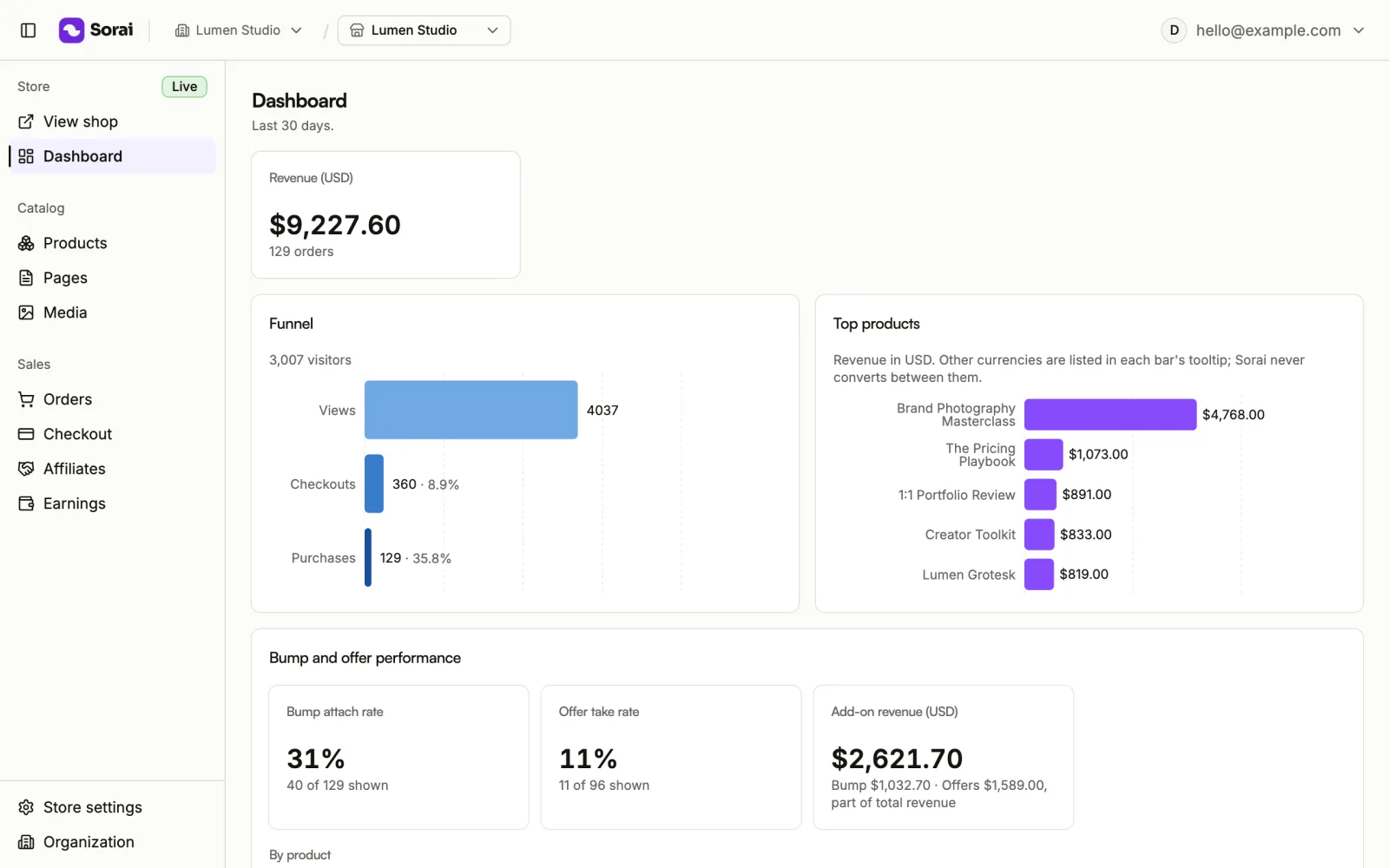
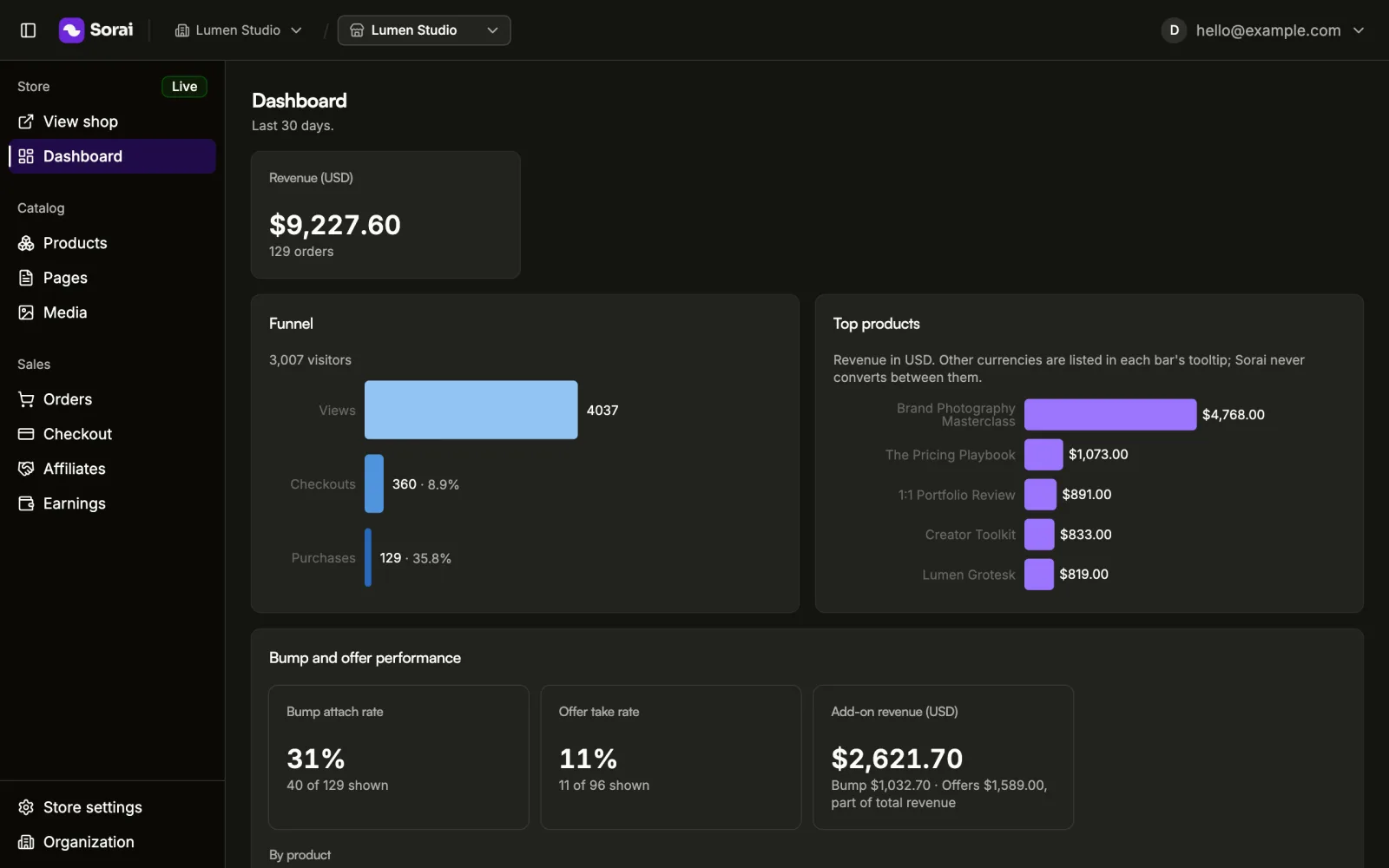
The cards
- Revenue by currency: paid orders, totalled one figure per currency. Sorai never converts between currencies.
- Funnel: Views, Checkouts and Purchases, with the number of visitors.
- Top products: revenue by product, in your store's currency. Sales in other currencies are listed when you hover a bar.
- Bump and offer performance: how often buyers add your order bump and accept your post-payment offer. Shown only when your store has one set up, or had one. See Checkout.
- Top pages: views, purchases and revenue by page.
- Top sources: traffic that arrived with UTM parameters, by source. Visits without them count as (direct). See Tracking.
- Recent orders: your latest orders. See Orders.
- Realtime, last 60 min: live visitors and activity in your store, on Pro and Business. On Free, this space shows More on Pro instead.
A new store shows empty cards, such as No traffic yet and No orders yet. They fill in as buyers visit and buy.
How far back the cards go
Revenue and the funnel always cover the last 30 days. On Free, the other cards cover the last 7 days, and each card says so under its title, with See your full history to upgrade. Your store records everything either way, so upgrading shows the full history right away.